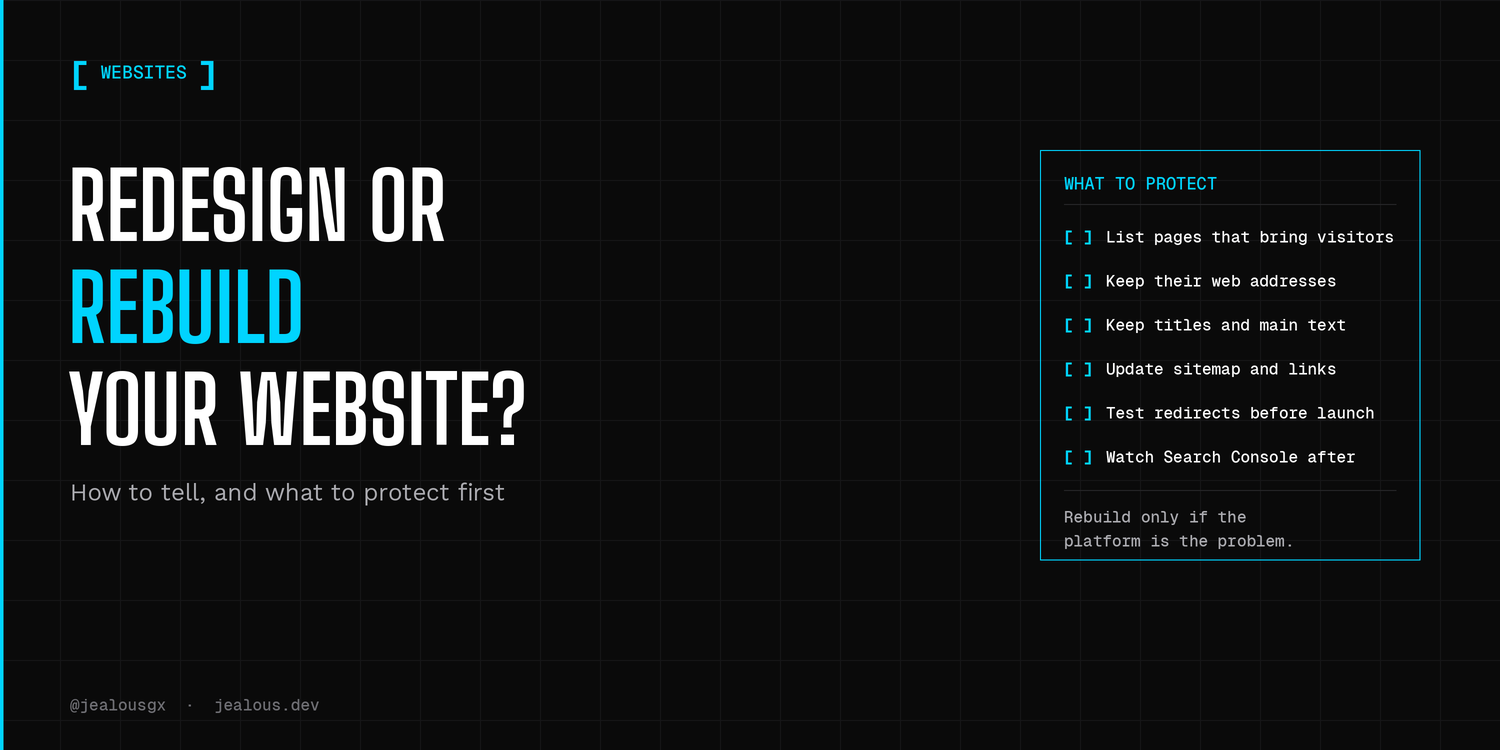
In most cases, I'd start by fixing what is broken, or by redesigning how the site looks, before I'd rebuild it from scratch. A rebuild makes sense when the platform underneath is the problem. Whichever you pick, first write down what your current site already does well, because that is the part people lose by accident.
That is my short answer to the redesign or rebuild question. The longer answer takes a few minutes and an honest look at your own site.
First, name the real problem
When someone says "my website feels old", they can mean four different things. It might be slow. It might be hard for them to edit. It might look dated. Or it might look fine and still bring in no enquiries.
Each of those has a different fix, and only some of them need a rebuild. I already wrote about the first one in the real cost of a slow, outdated website, so I won't repeat it here. The table below puts all of them side by side.
A simple way to match the symptom to the fix
| What you see | What I'd try first | When it points to a rebuild |
|---|---|---|
| Pages load slowly | Fix the images, the hosting and the plugins | The platform itself is the cause and cannot be fixed |
| It looks dated, but the content is fine | A redesign: new look, same pages, same web addresses | The old look is baked into code nobody can change |
| You cannot change anything without calling a developer | See if a simpler editing setup can sit on top of what you have | The platform locks you in and every small change costs money |
| Software or plugins are out of date and keep breaking | Update or replace the parts that are failing | The platform is no longer supported |
| You get very few enquiries | Look at the message and the call to action on the page | Almost never, this is usually not a rebuild problem |
| Your business added a store, bookings or logins | Redesign the structure of the site | The current site cannot support those features |
When a rebuild makes sense
I'd think about a rebuild in three cases.
The first is when the platform is no longer supported, so security and software updates have stopped. The second is when your business needs something the site cannot do, like taking payments, booking or member logins. The third is when every small change turns into a project, because the site is built in a way that fights you.
If your new need is a store, my online store page explains how I think about it. And if the real question is whether to use a tool or build something custom, this 4-question test can help.
Here is how I'd decide, in plain terms. Is the foundation still supported and editable? Can it do what the business needs a year from now? Is the cost of workarounds going up faster than the business? If the answer to the last one is yes, and the first two are no, a rebuild is worth a real conversation. If not, I'd fix or redesign.
What to protect before you change anything
This is the part that is easy to forget. If your current site already brings in visitors from Google, a redesign or rebuild can undo that, and your SEO, without anyone noticing until the enquiries slow down.
Here is the short checklist I'd follow:
- List the pages that bring in visitors and enquiries. Google Search Console is free and shows you which pages get the most clicks from Google Search.
- Keep their web addresses where you can. If an address has to change, send the old one to the closest new page with a permanent (301) redirect, so visitors and search engines land in the right place. Keep those redirects in place for at least a year.
- Keep the titles and main text of pages that already do well. A new look does not need new words on every page.
- Update your sitemap and the links inside your site so they point to the new addresses and not the old ones.
- Test the redirects before launch. Click through your old pages and make sure each one lands somewhere sensible, and that no old address goes through more than one redirect.
- Watch Search Console after launch. Check which pages lost visits and fix those first.
Google's own guidance backs most of this. Its guide to moving a site with URL changes says to prepare a map from old addresses to new ones, and says permanent redirects do not cause a loss in PageRank (a signal Google uses when ranking pages). It also says to expect some ups and downs in rankings while Google works through the change, and to change as little as you can at one time, so a new design and new web addresses are safer in separate steps if that is possible. So I would never promise a change with zero risk, and I'd be wary of anyone who does.
Not sure which one you need?
Send me your website and I'll take a look. On a 30-minute scoping call I'll tell you honestly whether it needs a fix, a redesign or a rebuild, and what I'd protect first. If you want to know more about how I work on business sites, see my small business website page.