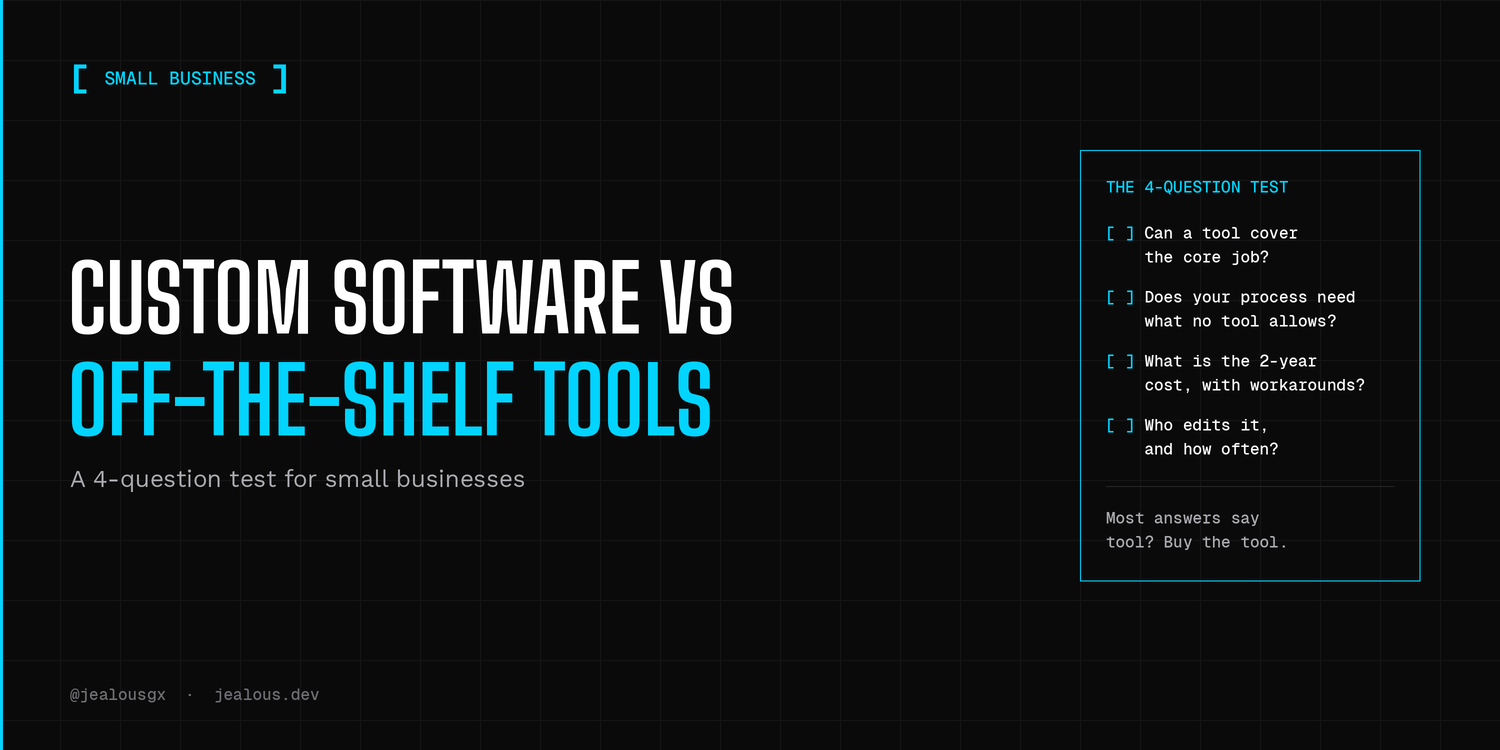
If an off-the-shelf tool already does the job, use it.
I build custom software for a living, and I still say that. Custom work only pays off when the tool starts getting in your way. This is the classic build vs buy question, and most small businesses can answer it with four questions and about ten minutes.
Build vs buy: the 4-question test
Answer these honestly, for the one piece of software you are thinking about. If most answers point to "tool", buy the tool. If two or more point to "custom", it is worth a real conversation.
1. Can a tool cover the core job today?
Write down the one thing the software must do. Not ten things, one. Then look for a tool that does that one thing, even if it looks a bit plain.
- Tool is enough: a tool does it, maybe with small compromises.
- Custom is worth a look: no tool does it, or you would need three tools stitched together to get close.
2. Does your process need something no tool allows?
The key word here is "your process". It is easy to call a process special when it is really just a habit. Before you pay for a build, try changing the process to fit the tool for a week or two.
- Tool is enough: you can bend your process a little and nothing important breaks.
- Custom is worth a look: the way you work is the reason customers pick you, and no tool lets you work that way.
3. What will the tool cost you in two years, including workarounds?
The monthly price is only part of it. Add the extra plugins, the second tool you needed to fill a gap, and the hours someone spends copying data from one place to another. Do the sum on paper. I will not give you a number here, because it depends on your setup.
- Tool is enough: the total stays small and predictable.
- Custom is worth a look: the workarounds are growing faster than the business.
4. Who edits it, and how often?
If you or your team want to change things every week, a tool you can edit yourself usually beats a custom build. Custom software means a developer makes the changes, or you pay to learn how. Ask yourself who will make the change when you need it in a year.
- Tool is enough: non-technical people need to edit it often.
- Custom is worth a look: it changes rarely, and someone technical will own it.
When an off-the-shelf tool is enough
Most small businesses are here, and that is fine.
Picture a small bakery that wants to take cake orders online. The needs are standard: a list of products, a cart, and a way to get paid. That is a tool job. Nobody needs a custom build to sell cakes.
For an online store, my rule is simple. Pick Shopify when you want a quick start and your needs are standard. Pick WooCommerce when you already have a WordPress site and want the store inside it. If you want help setting one up, this is how I work on online stores. For internal lists, simple workflows, and tracking jobs or clients, a spreadsheet or Airtable can carry you further than most people expect. Think of a small cleaning company keeping its jobs and customers in one shared table.
The common thread is that someone else has usually already solved the boring parts: payments, logins, backups, security updates. You get to spend your time on customers instead of on software.
When custom pays off
Custom starts to make sense in two situations.
The first is when the features you need are not allowed by the platform, and you have already tried the workarounds. Picture a shop where the price of an order depends on size, material and a delivery rule, and the apps you tried keep breaking at checkout. At that point you are paying twice, once for the tools and again for the time you lose fighting them.
The second is when the workflow itself is the product. My own products work this way. Prospkt, for example, scores local businesses on how weak their web presence is and helps write outreach for them. That workflow is the whole product, so custom was the point, not an upgrade. If you are a founder turning an idea into software people pay for, you are in the same spot, and the real question becomes how small the first version can be. I wrote about keeping an MVP scope small, and building an MVP is what I do for founders.
For this kind of work I usually reach for Next.js, because it lets me build the site and the app logic in one place. But the tool matters less than the decision. Build custom because you need it, not because it sounds more serious.
The middle path: start with a tool, move to custom later
You do not have to pick once and forever. Starting with a tool is often the safest first step, because it shows you what you really need before you pay for it.
When you do move from a stack of tools to one custom build, one gain is less complexity: fewer tools to patch together and fewer manual steps between them. There are trade-offs, like paying for the build up front and needing a developer for changes, but they can be talked through before you start.
If you think you might move to custom later, three habits help:
- Keep your data exportable, and export it now and then.
- Write down how your process works, so a developer can read it.
- Do not over-customize the tool. The more you bend it, the harder it is to leave.
Not sure which side you are on?
Send me what you are trying to do and I will tell you if a tool is enough. If you are building a product from scratch, have a look at MVP development.
You can book a 30-minute scoping call and we will go through the four questions together.