When I started looking into PennyCanny's performance, the instinct was to expect a big fix, a caching layer, a database problem, something structural. That's usually where slowness hides.
It wasn't that. The problem was simpler and, honestly, more common than people think: a chunk of the logic was running in the wrong place.
The Setup
PennyCanny runs on NodeJS and TypeScript, with Handlebars for templating and plain CSS, no frontend framework, no client-side JS framework carrying the UI. AWS handles the infrastructure.
With a setup like this, it's easy for the line between "server work" and "client work" to blur. Handlebars renders on the server, so there's a natural pull to just keep piling logic into the server-rendered template, even logic that has nothing to do with data fetching or business rules. It's the path of least resistance, right up until it starts costing you.
The Problem
Digging into the request lifecycle, a pattern showed up: work that depended entirely on the browser, client-side state, UI-only computation, things that had zero business being resolved before the page even reached the user, was happening server-side anyway.
Every request was doing extra work it didn't need to do, before the response ever left the server. That's latency you're paying for on every single request, whether the client needed that computation immediately or not.
The Fix
Nothing complicated. No new tools, no framework migration, no infrastructure change.
I went through the server-side logic and separated what actually belonged there, data fetching, business rules, anything that needed to be trusted or centralized, from what didn't. The second category moved to the client, where it belonged in the first place.
The server got lighter. It stopped doing work that had nothing to do with its job. The client picked up exactly what it should have been handling all along.
The Result
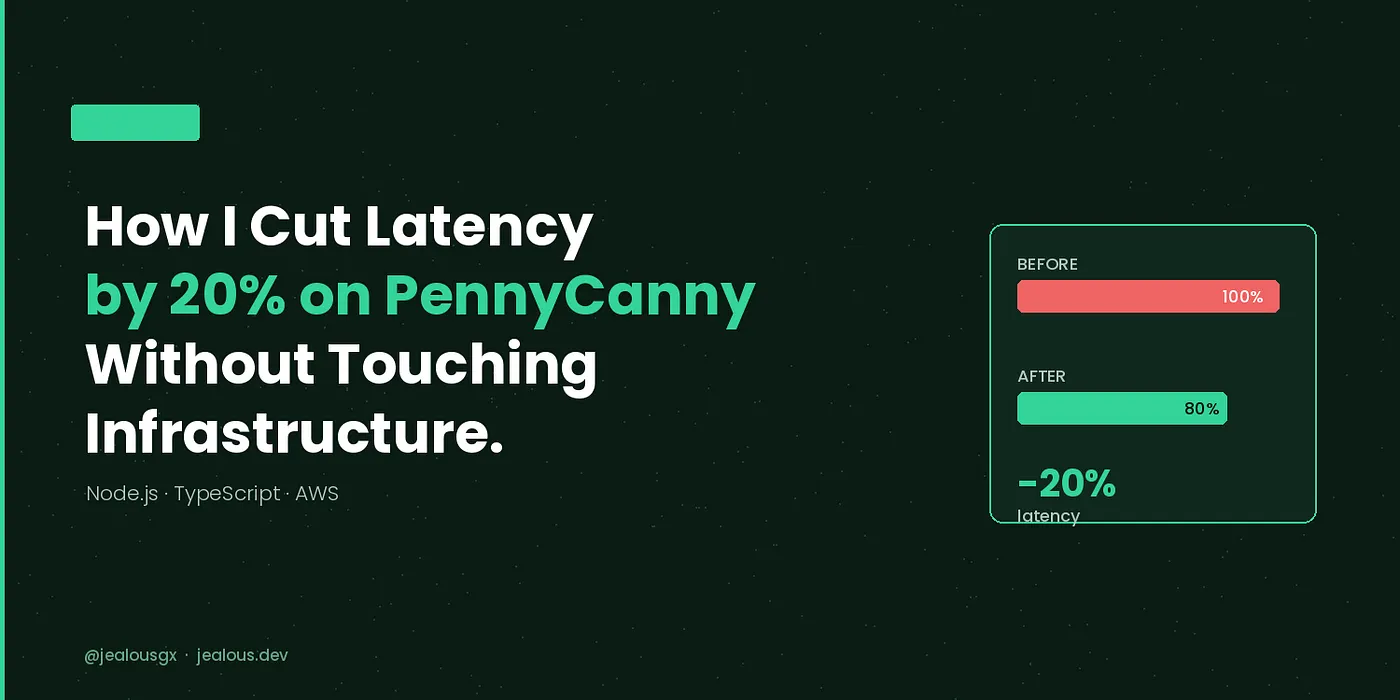
20% latency reduction. That was the headline number, but it wasn't the only thing that improved. Once the server stopped carrying work it shouldn't have had, a few other rough edges around response consistency cleaned up as a side effect, the kind of small wins that show up once you stop masking a structural issue with raw server effort.
The Actual Lesson
This wasn't a hard technical problem. It was a boundary problem, knowing what belongs on the server and what belongs on the client, and being disciplined enough to keep it that way as a codebase grows. Frameworks and templating engines don't enforce that boundary for you. Someone has to.
The biggest performance wins aren't always about adding something, better caching, more infrastructure, a faster database. Sometimes they're about removing work you never needed to be doing there in the first place.
I work on NodeJS, TypeScript, and AWS, usually the unglamorous performance problems, not the flashy ones. If your app is doing more work than it needs to, let's talk.